Generic intake forms collect demographics and insurance. Specialty visits depend on much more: referral details, prior records, imaging reports and specialty questionnaires. When the form does not ask for them, staff collect them by phone, on paper at check-in or during the visit itself.
This guide explains what patient intake software for specialty clinics has to handle, specialty by specialty, and how to compare your options. It is written for practice owners, administrators and operations leads at specialty practices and multi-specialty groups.
Why specialty clinics outgrow generic intake forms
Specialty practices run into the limits of a general intake form for a few clear reasons:
- Referral-based patients. Referral intake is its own workflow: referral letters, prior records and imaging arrive from other providers and have to be matched to the right patient before the visit.
- Longer, specialty-specific histories. Symptom history, medication history and validated questionnaires go well beyond what a general form asks.
- More insurance work. Prior authorization and referral requirements vary by payer and by specialty, so insurance verification and eligibility checks take more steps.
Without the right tool, the gaps are filled by phone calls, clipboards at check-in and staff re-typing answers into the EHR. That costs staff time and can delay the visit when something is missing.
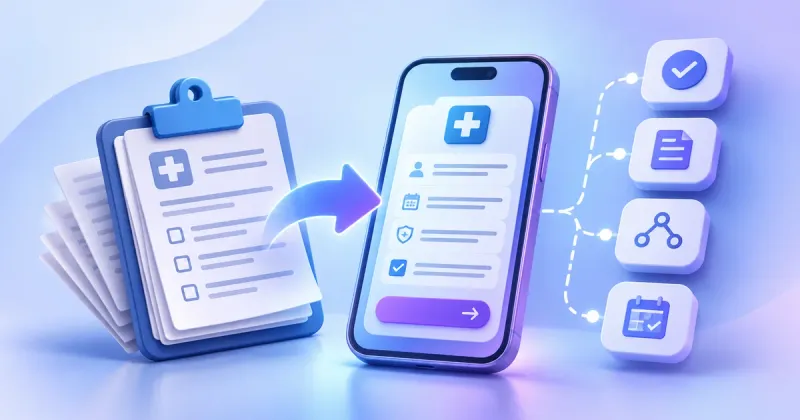
Digital patient intake for specialty practices closes these gaps and improves the patient experience. Patients complete specialty patient intake forms at home, at their own pace, and arrive with nothing missing. Reminders tied to unfinished forms can also help reduce no-shows.
What patient intake software for specialty clinics should include
The core features matter in any practice, but each one carries more weight in specialty care:
| Capability | Why it matters in a specialty practice |
|---|---|
| Referral and records intake | Collects referral letters, prior records and imaging reports and attaches them to the right patient before the visit. |
| Specialty questionnaires with conditional logic | Shows only the questions that apply, so long specialty histories stay manageable for patients. |
| Document and photo upload | Lets patients send reports, insurance cards and photos instead of bringing them on paper. |
| Insurance, eligibility and prior authorization checks | Flags coverage and authorization issues before the appointment, not at the front desk. |
| Multilingual and accessible forms | Lets every patient complete intake in their language, with screen readers and on small screens. |
| Routing and triage | Sends each submission to the right team and alerts a person when an answer needs quick attention. |
| Structured summary for the provider | Turns answers into a short pre-visit questionnaire summary the specialist can read before the visit. |
| EHR integration | Sends intake data to the patient record through HL7 FHIR or vendor APIs, so staff stop re-typing. |
How intake differs by specialty
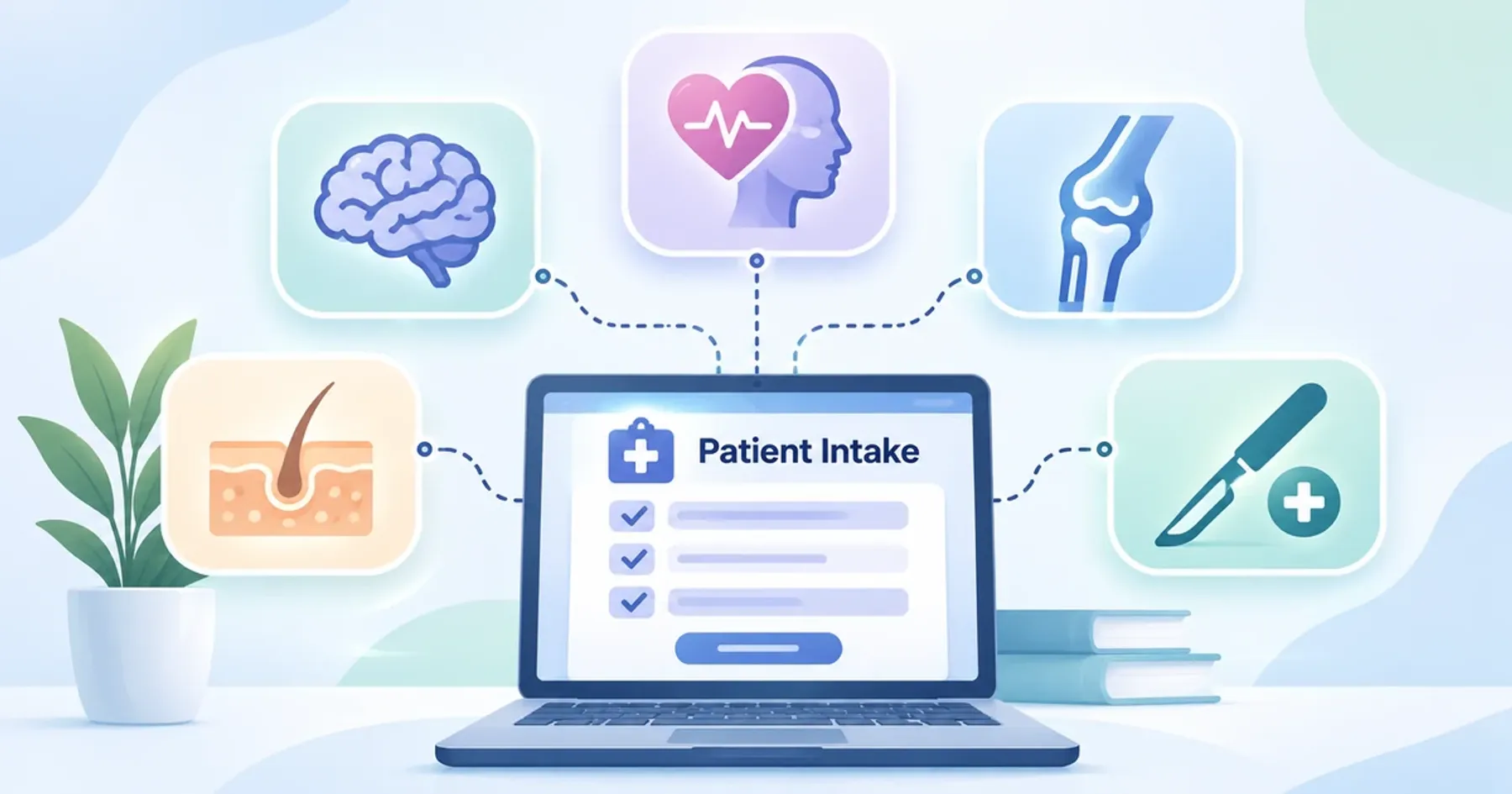
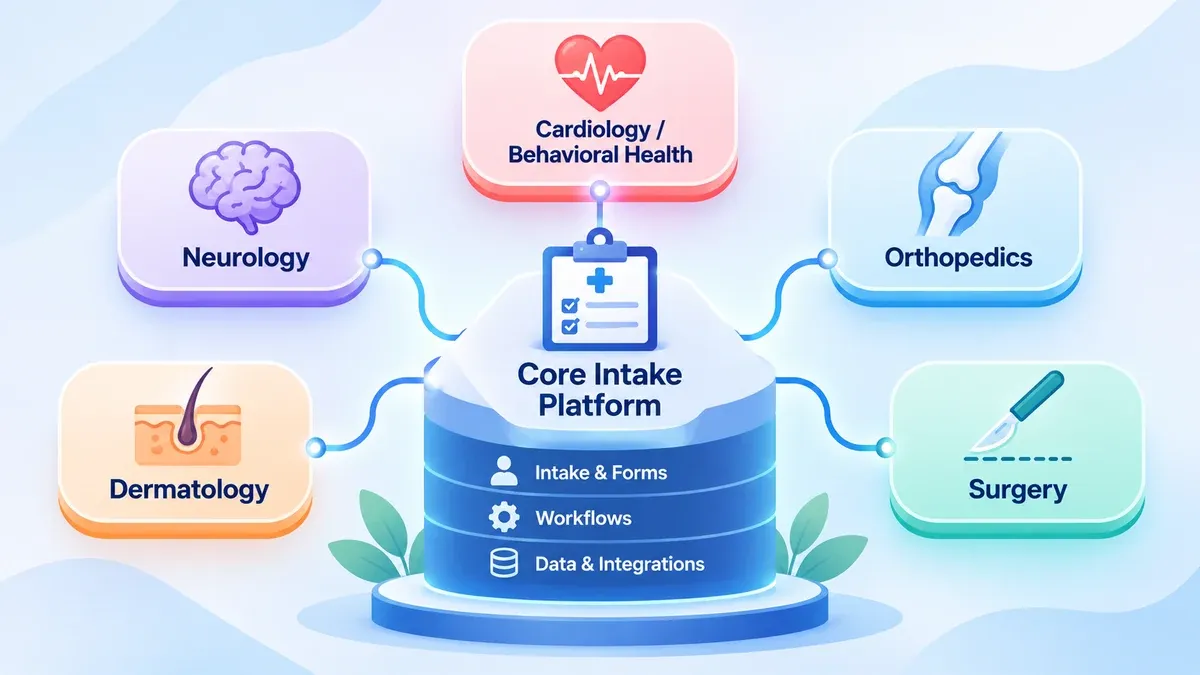
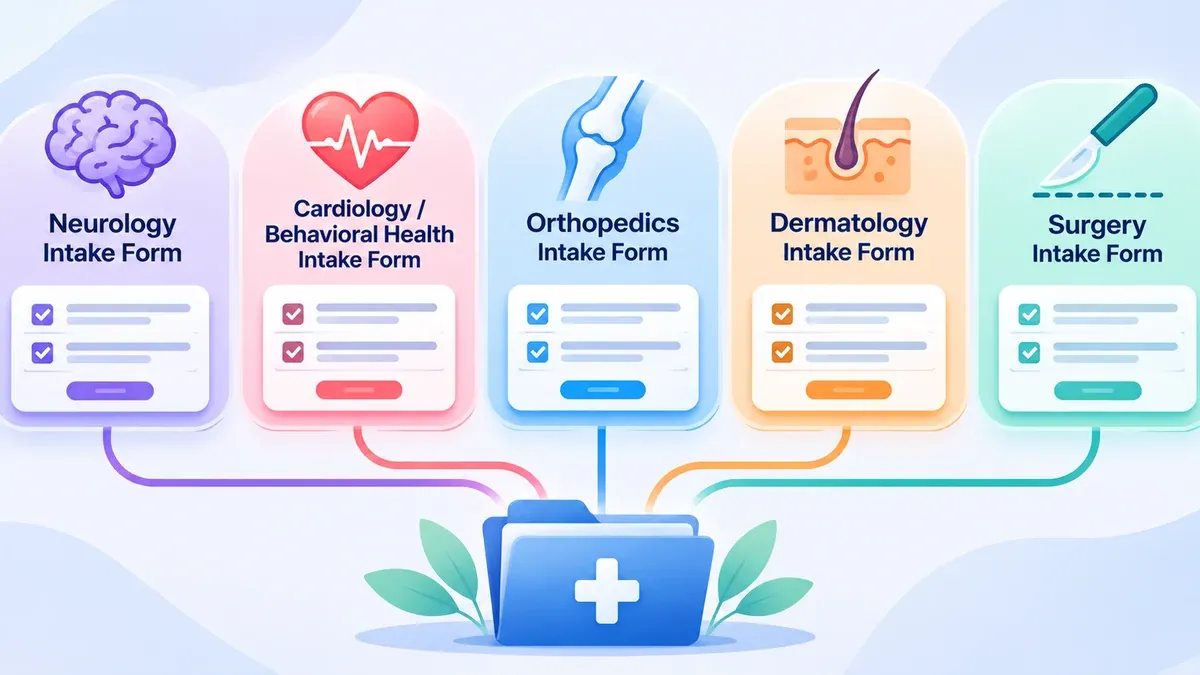
The core of intake is shared across specialties. What changes is the questions, the documents and the routing. The sections below describe what intake collects and supports in each specialty; the clinical decisions stay with the care team.
Neurology
Neurology patient intake software needs room for detail. Intake typically collects symptom and episode history, for example headache patterns or seizure history, along with a full medication history and prior treatments.
Prior imaging and EEG reports often come from other providers, so document upload and referral matching matter. Caregivers frequently help with history, which makes caregiver or proxy access through a patient portal useful when the patient cannot complete forms alone.
Orthopedics and sports medicine
Orthopedic intake collects injury details, such as how and when it happened, along with prior surgeries and imaging. Some practices also collect patient-reported outcome measures (PROMs) at intake to track function over time.
Where a visit relates to a work or auto injury, intake should capture claim and employer or insurer details, so billing does not have to chase them later.
Pain management
Pain management intake collects pain history, location and intensity on the scales the practice uses, along with prior treatments and a detailed medication history.
Practices that use treatment agreements can present them for e-signature during intake, with the signed copy stored in the record. Conditional logic keeps the questionnaire focused on what applies to each patient.
Behavioral health
Behavioral health intake often includes standard screening questionnaires chosen by the practice; the PHQ-9 and GAD-7 are common examples. These answers are sensitive, so access should be limited to the people who need them.
Red-flag answers, such as responses that suggest a crisis, should alert a person right away rather than wait in a queue. Records of substance use disorder treatment programs that are federally assisted also fall under extra confidentiality rules in 42 CFR Part 2, which affects how those records can be used and shared.
Dermatology
Dermatology intake relies on photo upload. Clear guidance on lighting, distance and framing helps patients send photos the dermatologist can actually use.
Well-captured photos also support async review, where a clinician reviews the case without a live visit. That works best when intake connects to async telehealth workflows, so cases move straight into the review queue.
Surgical services
Intake for surgical services collects pre-operative questionnaires, anesthesia history, medication history and allergies before the procedure date. Consent forms can be completed with e-signature ahead of time.
Intake can also deliver pre-op instructions and confirm the patient has read them, which reduces last-minute gaps on the day of surgery.
One intake system for a multi-specialty group
Multi-specialty patient intake software works best as a shared core plus specialty modules. Demographics, insurance and consent are collected once; each specialty adds its own questions, documents and rules on top.
- Routing by specialty, location and provider, so each submission reaches the right team in a multi-location group
- One patient record, even when a patient sees several specialties in the same group
- Multilingual forms and accessibility applied across every specialty, not added department by department
- A gradual start that also suits smaller clinics: launch one specialty module, then add others
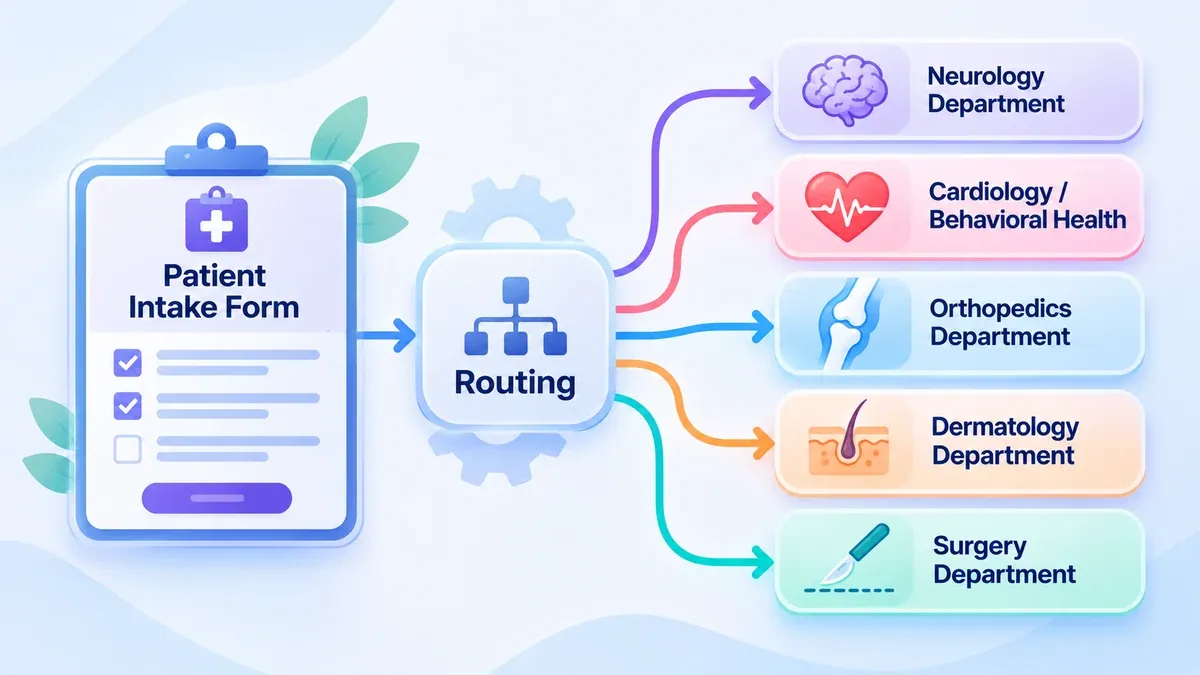
When intake feeds referrals, prior authorization and follow-up tasks across departments, it becomes part of wider healthcare workflow automation. Planning both together means data is entered once and moves where it is needed.
Language access has a legal side as well. Section 1557 of the Affordable Care Act prohibits discrimination on grounds that include national origin, so check your obligations with your compliance lead when you plan bilingual patient intake or forms in more languages.
Where AI helps in specialty intake
AI is useful where answers vary from one patient to the next:
- Adaptive follow-up questions for each specialty, based on earlier answers
- Structured summaries that turn free-text answers into a short pre-visit note
- Flags for urgent answers, so staff see them first
AI drafts and the clinician decides. The specialist reviews the summary in their provider dashboard, corrects it where needed and makes every clinical decision. TAIOS, our own clinical AI platform, is ready to deploy and can handle AI patient intake and async provider workflows.
Off-the-shelf vs custom intake for specialty practices
Off-the-shelf intake tools are quicker to start and work well when your specialty forms are standard. Before you choose one, check how far you can change the questionnaires, conditional logic and routing rules, and which EHR integrations it supports.
A custom or extended build makes sense when your specialty workflows are unusual, when several systems need to share one intake flow, or when several specialties must run on one platform. It costs more upfront but fits how your practice works.
If you are weighing both routes, our page on patient intake software explains how we build AI patient intake for specialty practices and telehealth teams.
Questions to ask before you choose
Use this checklist to compare options side by side:
- Does it support specialty questionnaires and conditional logic?
- Can it take in referrals, prior records and imaging reports?
- How does it integrate with our EHR: HL7 FHIR, vendor APIs or file exports?
- Can patients upload photos and files from a phone?
- Are forms multilingual and accessible?
- Can we set our own routing and red-flag escalation rules?
- Who owns the data, and how do we export it?
- What HIPAA safeguards are in place, and will the vendor sign a business associate agreement (BAA)? The HIPAA Security Rule lists the safeguards to ask about.
- How do staff review and edit what patients submit before it reaches the record?
Specialty intake collects protected health information from the first form a patient opens. For HIPAA-covered practices, our engineers build intake to be HIPAA-aligned, with its safeguards in place before it goes live, as part of our HIPAA-compliant web development work.
Map the intake your specialty needs
Specialty intake comes down to a shared core plus the questions, documents and routing your specialty needs, all connected to the EHR. If intake is part of a wider virtual care build, see our custom telehealth software solutions for the full range of services.
Running a specialty practice? Our engineers can map the intake your specialty needs with you. Book a call