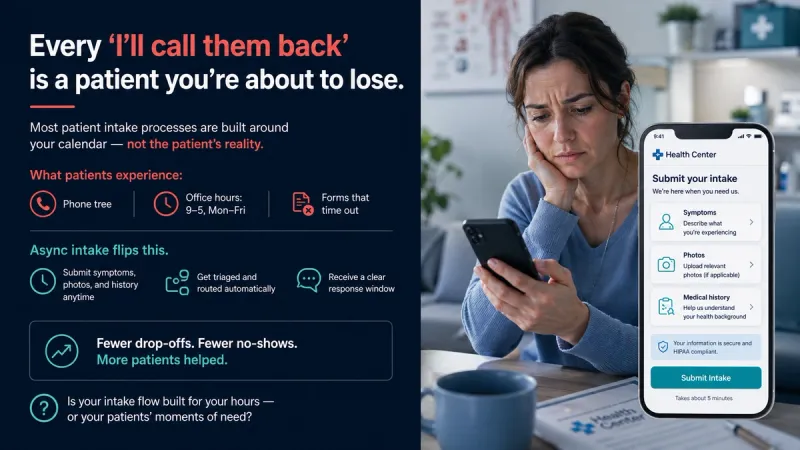
Manual intake costs clinics more than most teams track. Front-desk staff re-type details from paper or PDF forms, chase missing insurance information and call patients who never finished their paperwork. Some of those patients drop off before the first visit.
This guide shows how to automate patient intake in six steps, from mapping your current process to measuring the time you save. It is written for clinic owners, practice managers and telehealth teams who want less repetitive work at the front desk, with staff and clinicians still reviewing what matters.
What patient intake automation does (and what it doesn't)
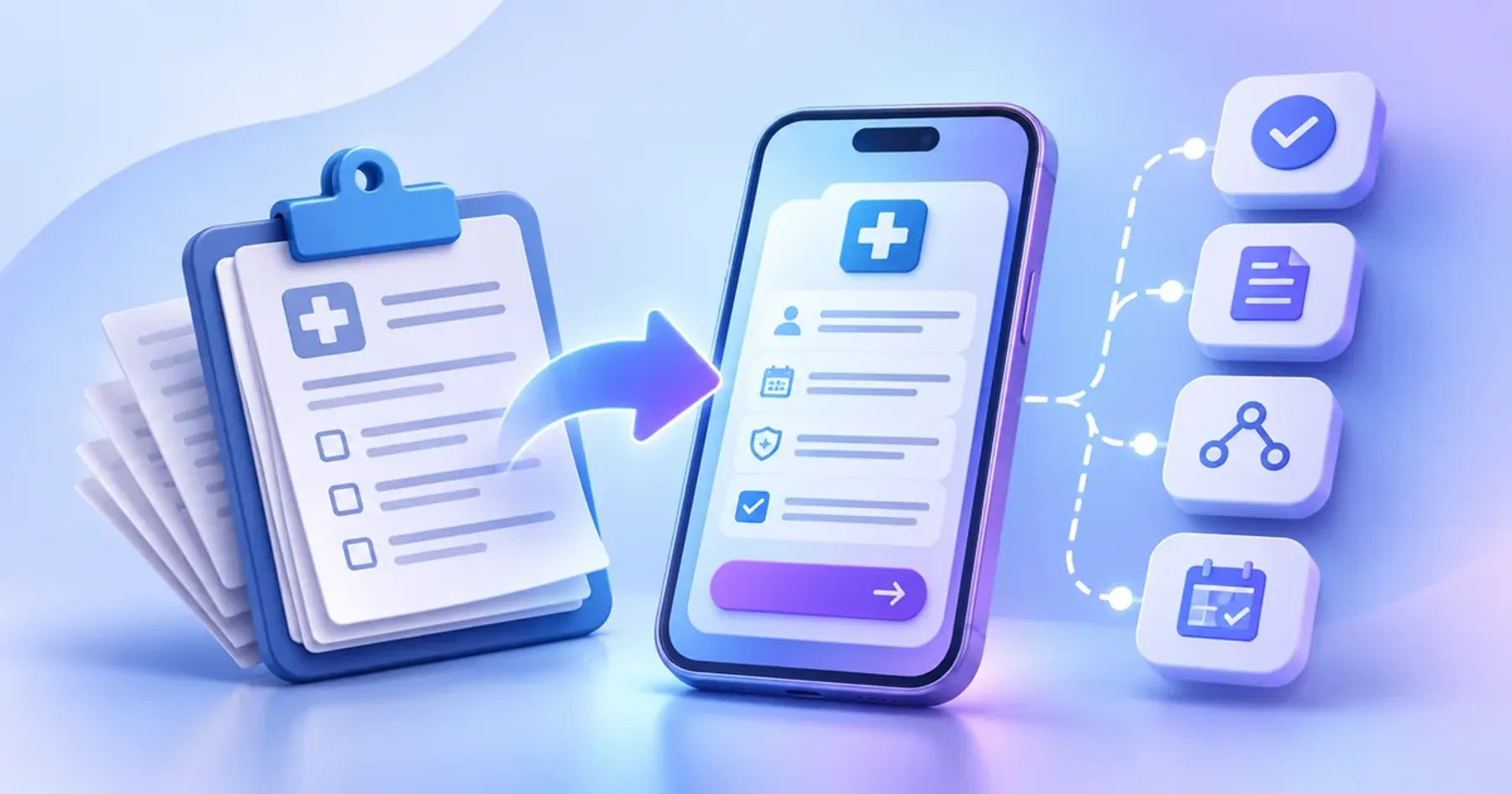
Patient intake automation uses software to handle the repeatable parts of getting a patient ready for care. That usually means online intake forms, a pre-visit questionnaire, eligibility and insurance verification, consent forms, appointment scheduling and reminders, routing to the right team, and a structured summary the provider reads before the visit.
What it should not do is make clinical decisions. Clinical judgment, exceptions and sensitive conversations stay with people. Good automation takes the typing and chasing off your staff, so they have more time for patients.
| Intake step | Manual today | Automated | Who reviews |
|---|---|---|---|
| Registration and demographics | Clipboard or emailed PDF, re-typed by the front desk | Mobile-friendly online intake form that saves data to the record | Front desk checks flagged fields |
| Insurance and eligibility | Staff call payers or check portals one by one | Eligibility check runs when the patient submits | Billing staff handle failed checks |
| Consent forms | Paper signatures, scanned and filed | E-signature with a time-stamped audit trail | Front desk confirms nothing is missing |
| Medical history and symptoms | Long paper questionnaire, read at the visit | Adaptive pre-visit questionnaire with a structured summary | Clinician reviews before the visit |
| Triage and routing | Staff read each form and decide where it goes | Rules route by service, location and urgency; red flags escalate | Clinical lead reviews escalations |
| Scheduling and reminders | Phone calls and manual reminder lists | Self-scheduling with automatic reminders | Front desk handles changes |
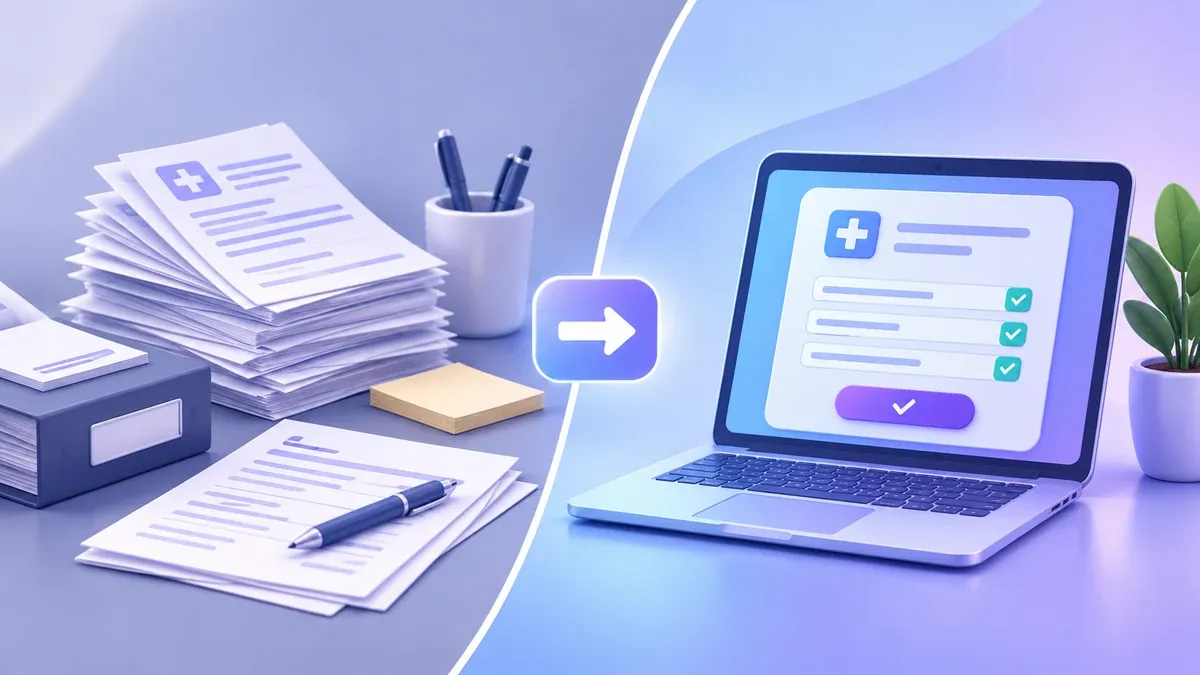
How to automate patient intake in 6 steps
Automating in stages works better than replacing everything at once. These six steps keep the rollout measurable.
Step 1: Map your current intake and time each step
Write down every step from first contact to the visit: who does it, in which system and how long it takes. Include the hidden work, such as calls to fix missing details and re-typing data into the EHR.
Time a typical week. This baseline shows later how much time automation saved, and often reveals that one or two steps cause most delays.
Step 2: Pick the first workflows to automate
You do not need to automate every step of the intake process at once. Start with workflows that are high volume, rule-based and easy to measure. Registration forms, insurance verification and appointment reminders are common first choices. History questionnaires and triage rules usually come next, because they need clinician input.
If intake connects to other tasks, such as referral intake or follow-up messages, plan them together as part of wider healthcare workflow automation, so data is entered once.
Step 3: Design forms patients actually finish
Automation only helps if patients complete the forms. Drop-off usually comes from forms that are long, hard to use on a phone or full of medical terms.
- Use mobile-friendly forms, since many patients open the link on a phone.
- Ask only what you need before the visit, and pre-fill what you already know.
- Use plain language, and offer multilingual forms if your patients need them.
- Let patients save and resume instead of starting over.
- Show progress, so patients know how much is left.
Track the completion rate for each form and shorten the question where most patients stop.
Step 4: Add eligibility checks, routing and red-flag escalation
Eligibility verification can run as soon as the patient submits, so billing staff only handle the checks that fail. Routing rules can send each submission to the right team based on service, location, payer or urgency.
Set red-flag rules with your clinical team. Answers that point to urgent symptoms or safety concerns, for example in behavioral health or specialty clinics, should notify a person right away. A human in the loop for these cases is part of the design, not an afterthought.
Step 5: Connect intake to your EHR
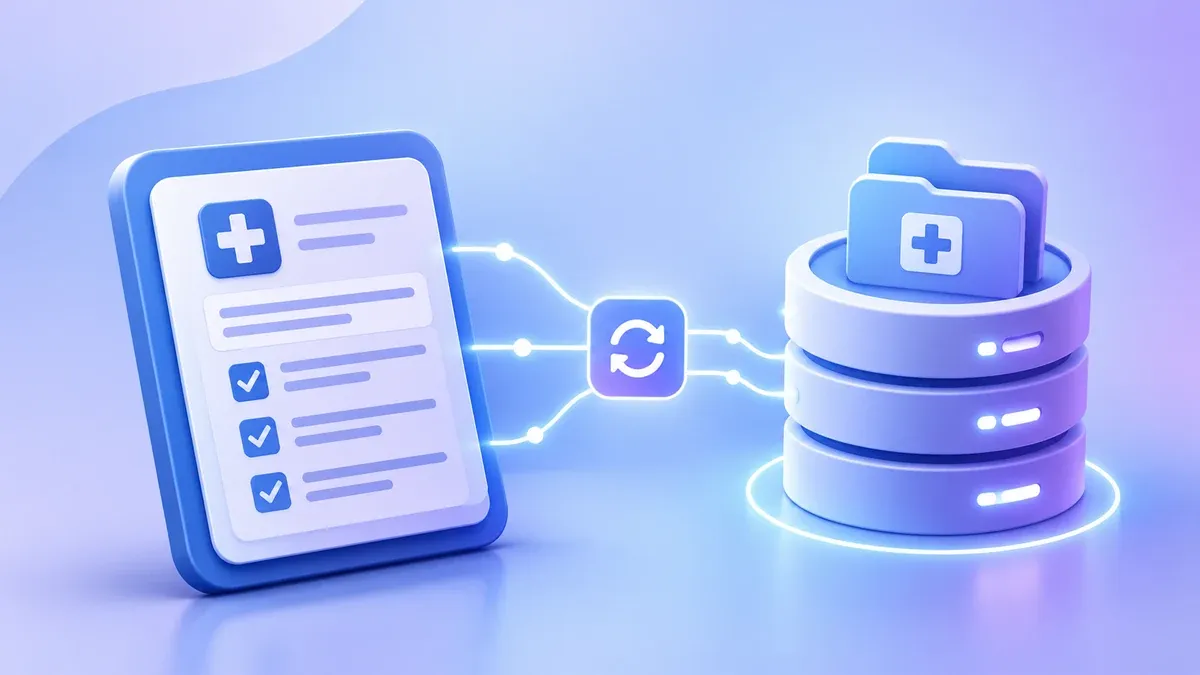
If staff still copy intake data into the EHR by hand, much of the time saved is lost. EHR integration lets demographics, insurance details, consent records and the intake summary land in the patient record directly.
Many current systems exchange data through HL7 standards, including FHIR, or through vendor APIs. Check what your EHR supports early, because it shapes which tools will work.
Step 6: Launch, measure and expand
Launch with one location or service line first, then compare results with your Step 1 baseline:
- Form completion rate and the points where patients drop off
- Staff time spent on intake per patient
- Time from booking to a complete patient record
- No-shows, if reminders are part of the rollout
Fix what slows staff down, then add the next workflow.
Where AI helps in patient intake
AI adds value where answers vary from one patient to the next:
- Adaptive questions: follow-up questions change based on earlier answers, so patients skip what does not apply to them.
- Structured summaries: free-text answers become a short, organized summary the provider can read before the visit.
- Flagging urgent answers: responses that may need quick attention are highlighted for staff and clinician review.
In every case, AI drafts and the clinician decides. The provider reviews the summary in their provider dashboard, corrects it where needed and makes every clinical decision.
This is the approach behind TAIOS, one of our three products. TAIOS is our own clinical AI platform. It is ready to deploy and can handle AI patient intake and async provider workflows.
Build, buy or customize: choosing your intake approach
There are three common ways to add patient intake automation to a clinic:
- Off-the-shelf patient intake software: quickest to start and fine for standard workflows, but your process adapts to the product.
- Adding intake to your existing platform: a good fit if you already run a patient portal or telehealth platform and want digital patient intake inside it.
- A custom build: suited to clinics with specialty workflows, unusual routing rules or several systems that need to share data.
Whichever route you take, ask these questions before you commit:
- Does it integrate with our EHR, and how (HL7, FHIR or a vendor API)?
- Who owns the intake data, and can we export it?
- Are the forms accessible and mobile-friendly, and can we offer them in other languages?
- Can it be set up to support HIPAA compliance if we need it?
- How do staff review, edit and override what the system produces?
If you are comparing options for your clinic, our page on patient intake software explains how we build AI patient intake for clinics and telehealth teams.
Security and compliance for automated intake
Intake data includes protected health information (PHI), so security needs to be part of the plan from the start:
- Encryption: protect PHI in transit and at rest.
- Role-based access: staff see only the data their role needs.
- Audit trail: log who viewed, changed or exported each record.
- Secure hosting and backups, with access reviewed regularly.
For US providers, the HIPAA Security Rule sets out the administrative, physical and technical safeguards for electronic PHI. Involve your compliance lead early. Our HIPAA-compliant web development page explains how we build these safeguards.
For HIPAA-covered practices, we build intake to be HIPAA-aligned from the start of the project, so these safeguards are in place before any patient data is collected.
Common mistakes that slow intake automation down
- Automating a broken process. If the current steps are unclear or duplicated, software repeats the problem faster. Fix the process first.
- Forms that are too long. Every extra question raises the chance that a patient stops.
- No EHR handoff. If staff still re-type data, most of the time savings disappear.
- No human fallback. Patients who cannot or prefer not to use online forms still need a phone or front-desk option, and red flags always need a person.
- Not measuring results. Without a baseline, you cannot tell what worked.
Plan your intake automation with our engineers
Intake automation works best in stages: map the process, start with simple high-volume steps, keep people in the loop for clinical and sensitive decisions, and connect everything to your EHR. If intake is one part of a wider telehealth build, see our custom telehealth software solutions for the full range of services.
Planning to automate intake? Our engineers can map your patient intake workflow with you and show which steps to automate first. Book a call